End user access control
Even after apps that use Enterprise Search features are installed and configured at the org level, they will not be available to end users by default. Instead, your org admin will need to enable them for end users. Refer to this article for more details.
Once this access is enabled by your org admin, end users can search in Slack and get results from those apps if the end users are members of the workspaces which the apps are granted access to.
End users can also choose to disable any search apps in the following ways:
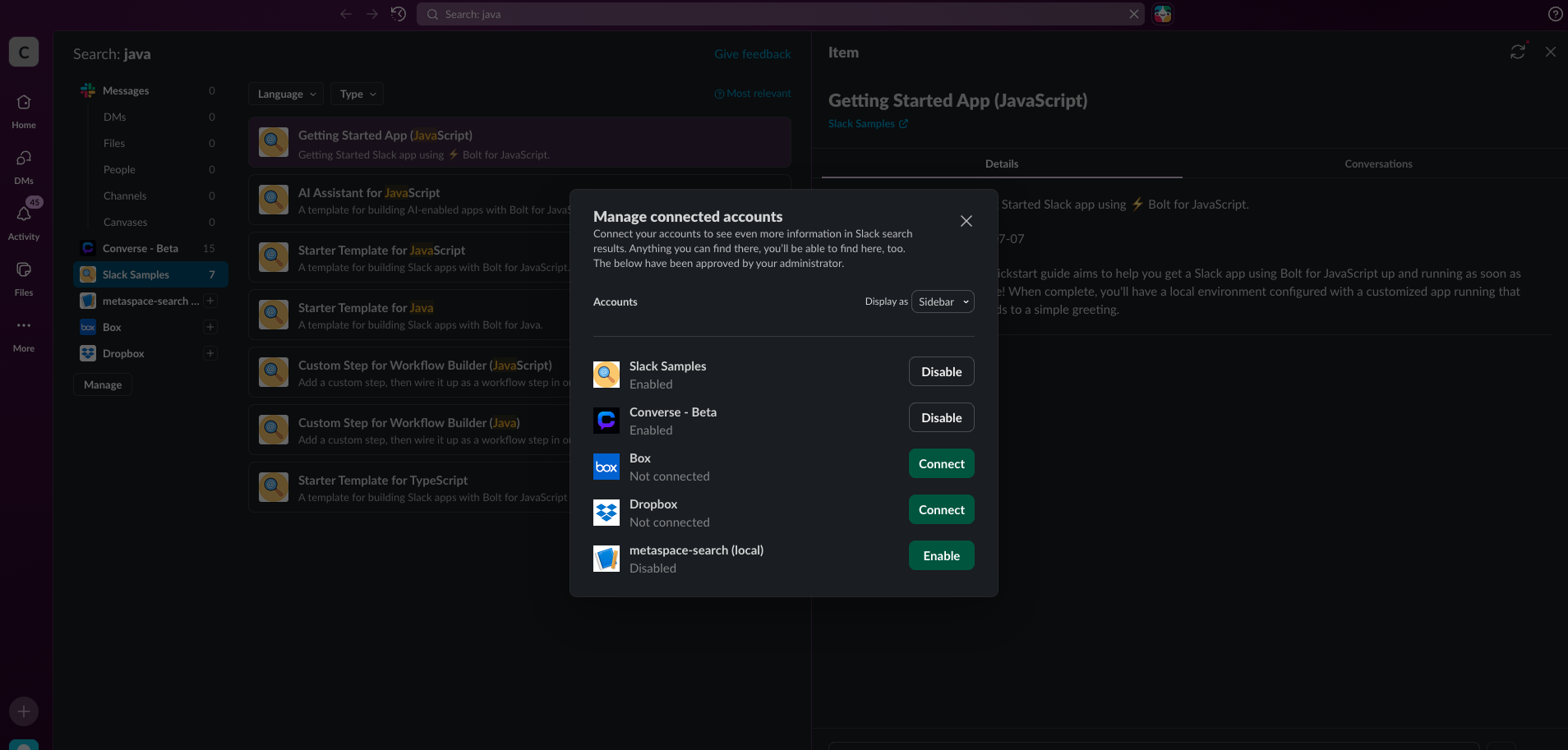
- by selecting Manage and then disabling the app:
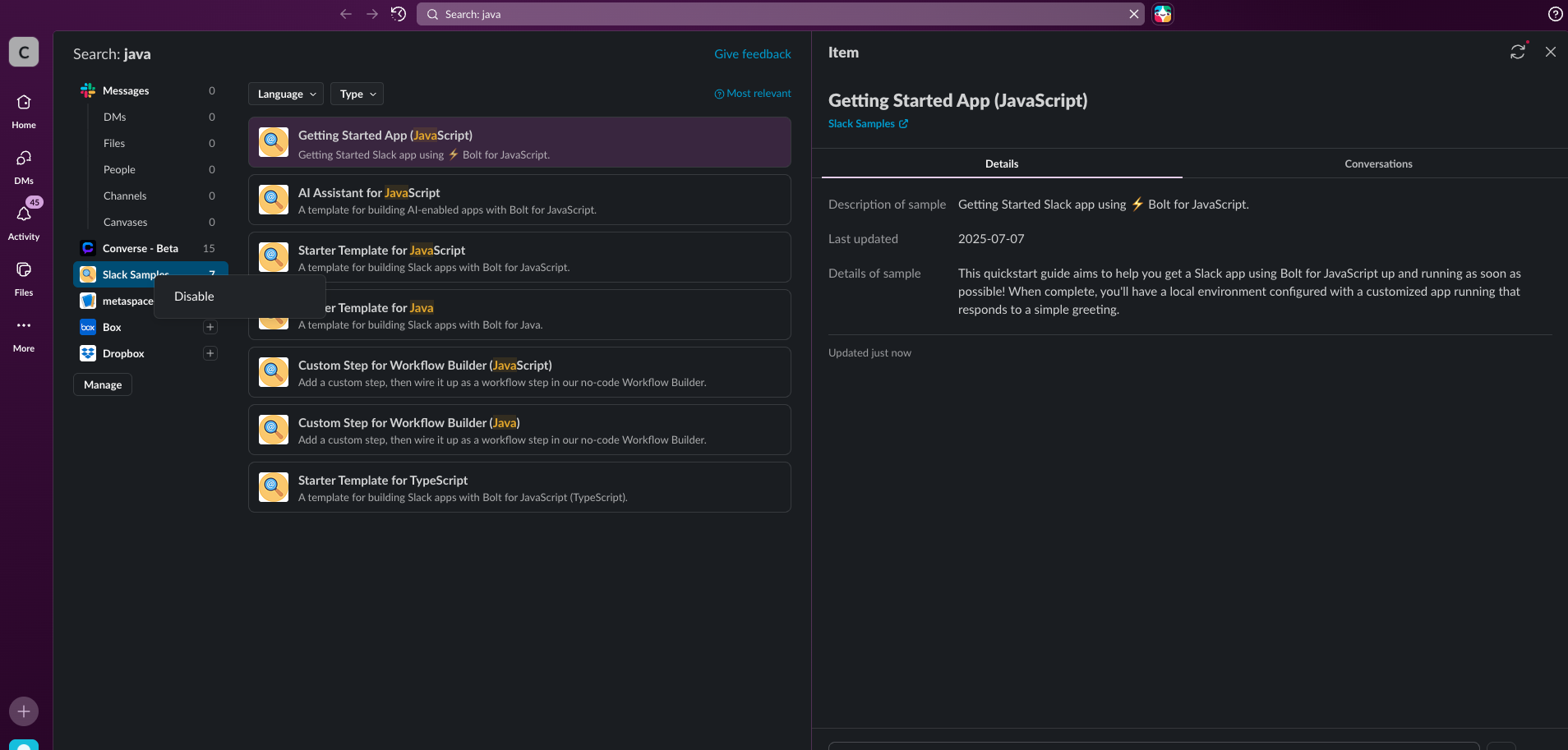
- by right-clicking the app on the sidebar and then selecting Disable: