Rich text input element
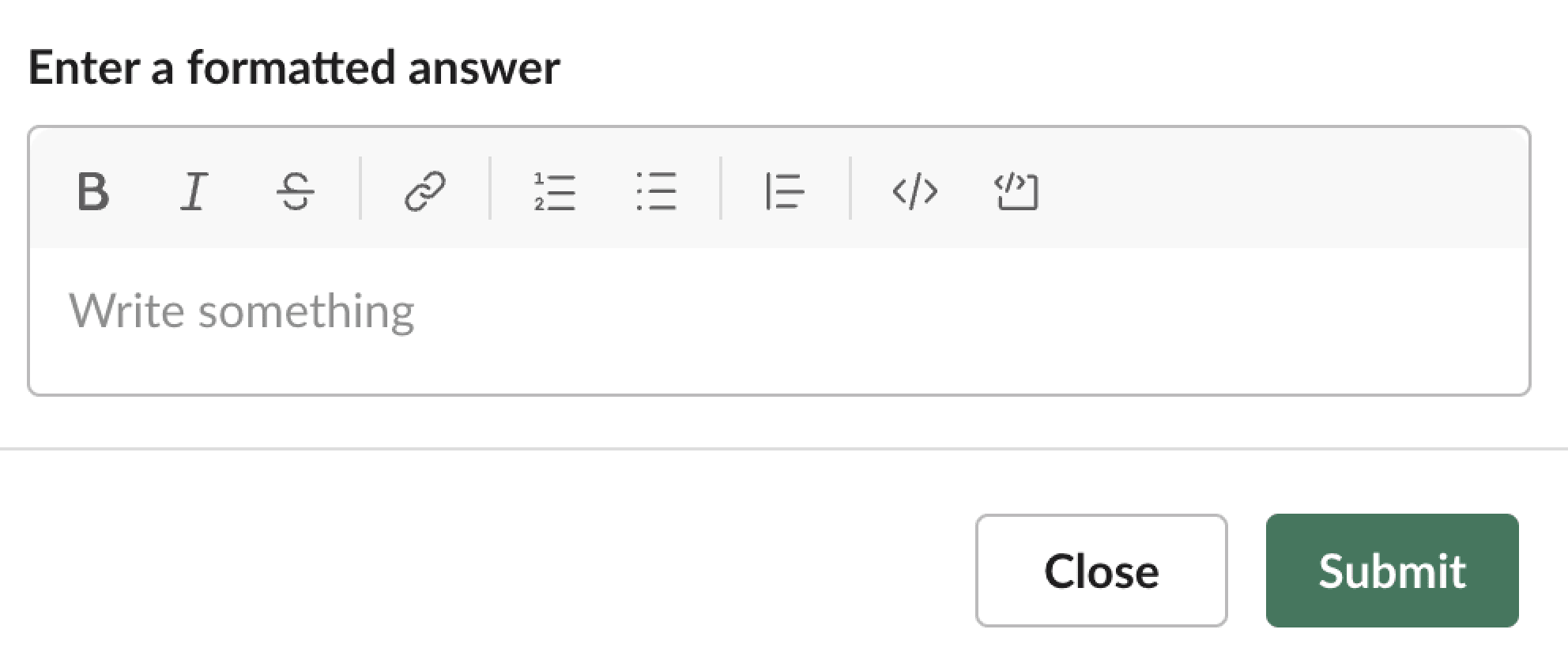
Fields
| Field | Type | Description | Required? |
|---|---|---|---|
type | String | The type of element. In this case type is always rich_text_input. | Required |
action_id | String | An identifier for the input value when the parent modal is submitted. You can use this when you receive a view_submission payload to identify the value of the input element. Should be unique in the containing block. Maximum length is 255 characters. | Required |
initial_value | Rich text | The initial value in the rich text input when it is loaded. | Optional |
dispatch_action_config | Object | A dispatch configuration object that determines when during text input the element returns a block_actions payload. | Optional |
focus_on_load | Boolean | Indicates whether the element will be set to auto focus within the view object. Only one element can be set to true. Defaults to false. | Optional |
placeholder | Object | A plain_text object that defines the placeholder text shown in the plain-text input. Maximum length for the text in this field is 150 characters. | Optional |
min_lines | Integer | The minimum number of visible text lines the input should display before scrolling. Controls the initial height of the input. Must be between 1 and 100. | Optional |
max_lines | Integer | The maximum number of visible text lines the input can grow to before scrolling. Defaults to 8 when omitted. Must be between 1 and 100. | Optional |
Example
The rich text input element must be used inside of the input block. This example shows an input block containing a rich text input element.
- JSON
- Python Slack SDK
- Node Slack SDK
- Java Slack SDK
{
    "blocks": [
        {
            "type": "input",
            "element": {
                "type": "rich_text_input",
                "action_id": "rich_text_input-action",
                "dispatch_action_config": {
                    "trigger_actions_on": [
                        "on_character_entered"
                    ]
                },
                "focus_on_load": true,
                "placeholder": {
                    "type": "plain_text",
                    "text": "Enter text"
                }
            },
            "label": {
                "type": "plain_text",
                "text": "Label",
                "emoji": true
            }
        }
    ],
    "type": "home"
}
block-kit/src/elements/rich_text_input.py
loading...
block-kit/src/elements/rich_text_input.js
loading...
block-kit/src/main/java/elements/RichTextInput.java
loading...