Split view
The split view surface allows users to initiate private conversations with agents side by side with the rest of Slack, in the flow of work. Use this view in conjunction with other agent features; for example, suggested prompts, loading states, and app threads.
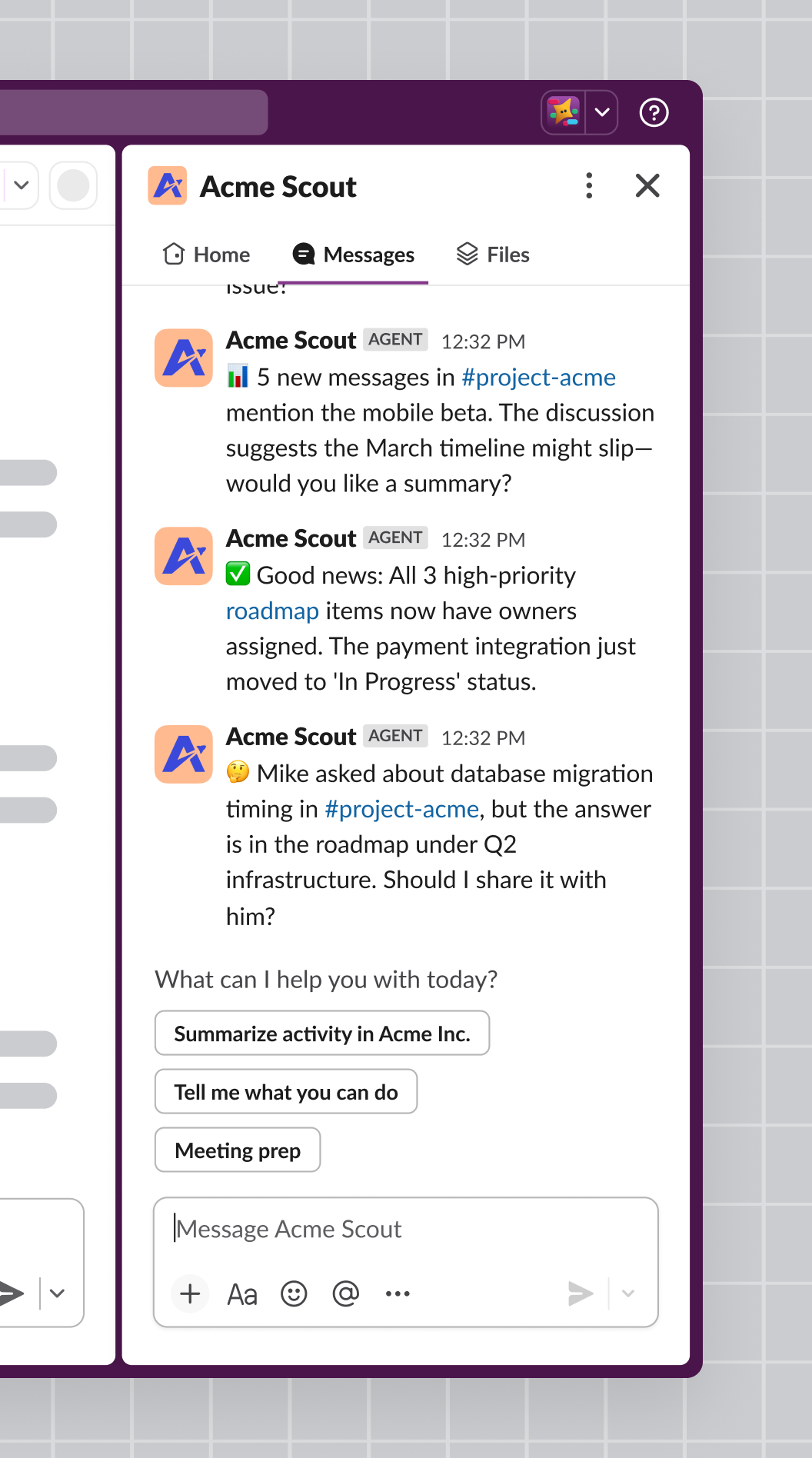
Enabling split view
Once you've created an app, navigate to Agents in the side bar, then click the toggle to turn the feature on. Turning on this feature also enables a top bar entry point.
Messaging in the split view
Knowing when someone has interacted with your app in a split view is no different than in a DM. The particulars of this are outlined in the handling initial user interaction section of the guide to Developing an agent.
The legacy implementation of this feature used the assistant_thread_started event to notify you that a user has interacted with your app. See Migrating to the Agent messaging experience to update your app to use the Agent messaging experience.
Read more about other AI features in apps in the guide to Developing agents.